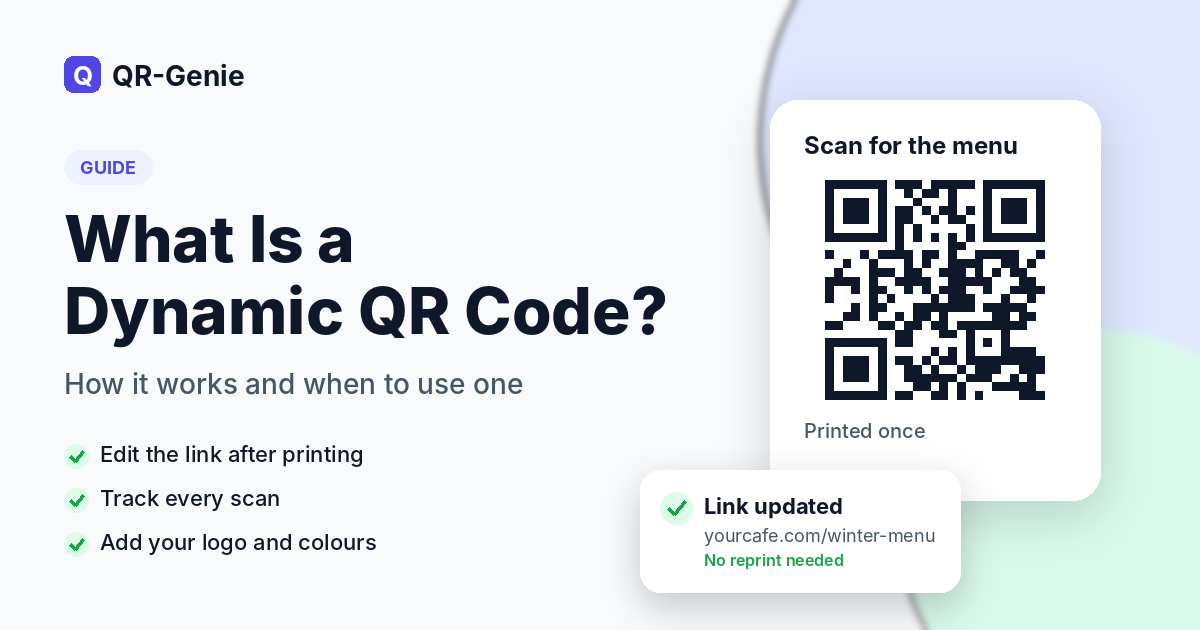
A dynamic QR code is a QR code whose destination can be changed after it has been printed. Instead of storing your web address directly in the pattern, it stores a short link that forwards people to wherever you choose. That one difference lets you edit the content, track scans and pause the code without reprinting anything.
This guide is for restaurant owners, marketers, event organisers and small business teams who print QR codes on menus, flyers, packaging or signs. It covers how dynamic codes work, how they compare with static ones, where they make the most sense and which mistakes to avoid before anything goes to print.
How a Dynamic QR Code Works Behind the Scenes
When you create a dynamic code, the generator assigns it a short redirect link, something like qr-genie.co/r/menu. That short link is what gets encoded in the black and white squares. When someone scans the code with a phone camera, the phone opens the short link, the server checks where it should point right now and sends the visitor there in a fraction of a second.
Because the printed pattern only ever contains the short link, the pattern itself never has to change. You log in, update the destination, and the next scan lands on the new page. The same redirect step is what makes QR code tracking possible. Every time the short link is opened, the scan is recorded with the date, time, approximate location and type of device.
QR-Genie works exactly this way. As a dynamic QR code generator with scan analytics built in, it keeps every short link in one dashboard, so you can create a code today, print it tomorrow and change where it points whenever your plans change.
Static vs Dynamic QR Code: The Key Differences
A static QR code stores its content inside the pattern itself. If it holds a web address, that exact address is fixed in the squares, so changing it means creating and printing a new code. Static codes also can’t report scans, because there is no server in the middle to count them.
Here is how the static vs dynamic QR code comparison looks side by side:
| Feature | Static QR code | Dynamic QR code |
| Change the link after printing | No | Yes |
| Scan tracking and analytics | No | Yes |
| Password protection | No | Yes |
| Pause and resume | No | Yes |
| Works without a redirect server | Yes | No |
| Best for | Fixed details like Wi-Fi logins and phone numbers | Menus, campaigns, packaging and anything that may change |
Static codes still have their place. A Wi-Fi code needs to hold the network name and password inside the pattern so a phone can join without opening a web page first. The same goes for codes that start a phone call, an SMS or an email. If you want to see which formats work which way, this overview of the different types of QR codes for business shows each one clearly labelled.
Why Businesses Choose an Editable QR Code
Printing costs money and takes time, and plans rarely stay the same for long. An editable QR code turns a one-off print run into something you can keep updating for months.
Change the Link Without Reprinting
Seasonal menus, new product pages, updated price lists and expired offers can all be handled from a dashboard. A box of flyers stays useful long after the campaign it was printed for has ended.
Track Scans by Location, Device and Time
Scan data shows which posters, tables or mailers people actually respond to. Looking at scans by day, hour, city and device helps you decide whether a placement is worth keeping, and a CSV export makes it easy to share the numbers with your team.
Brand the Code With Your Logo and Colours
A code that carries your logo and colours looks like part of the design rather than an afterthought. People are also more comfortable scanning something that clearly belongs to your business.
Pause or Password-Protect a Code
If a promotion ends early, you can pause the code and show a short message instead of sending people to a dead page. For staff documents or private event details, a password adds a simple layer of control.
Where Dynamic QR Codes Work Best
Almost any printed material can carry a dynamic code, but some uses get far more value from it than others.
Restaurants and Cafés
Menus change all the time, with new dishes, seasonal prices and items that run out. A restaurant menu QR code you can edit means the table stickers stay where they are while the menu behind them keeps up with the kitchen.
Retail and Product Packaging
Packaging is printed in large batches and stays in circulation for months. A dynamic code on the box can open setup guides, warranty registration or a reorder page, and you can redirect it when a page moves.
Real Estate Signs and Brochures
A code on a for-sale board can open the listing, a virtual tour or a viewing form. Once the property sells, the same board can point to similar listings instead of a page that no longer exists.
Hotels and Guest Rooms
Room cards and lobby signs can link to the guest directory, the room service menu or local recommendations. Updating everything from one place saves reprinting materials for every room.
Events, Conferences and Festivals
Organisers put codes on tickets, posters and badges for schedules, venue maps and feedback forms. With dynamic QR codes for events, the schedule link can be updated the night before without touching the printed materials, and the scan data shows which promotion brought people in.
How to Create a Dynamic QR Code in 4 Steps
Setting one up takes a few minutes. Here is the process in QR-Genie:
- Sign up and choose a code type. Pick the type that matches what people should do after scanning, such as opening a website, viewing a menu or starting a WhatsApp chat.
- Add your destination. Paste the link or fill in the page content. You can change this at any time later.
- Design the code. Add your logo, pick your colours and add a frame with a short call to action like “Scan for the menu”.
- Download, test and print. Scan the code with two or three different phones before sending the file to print, then place it where people can comfortably reach it.
QR-Genie includes a 7-day free trial with up to two codes and no card needed, so you can run through the whole process before choosing a plan.
Common QR Code Mistakes to Avoid Before You Print
A few small details decide whether a code gets scanned or ignored.
- Printing it too small. A common rule of thumb is at least 2 x 2 cm for close-range scanning, and larger for posters read from across a room.
- Low contrast. Dark codes on light backgrounds scan best. Light codes placed over busy photos often fail.
- No call to action. A bare code gives people no reason to scan. A few words like “Scan to book a table” make a real difference.
- Using a static code for a campaign. If the link might change or you want to measure results, a static code locks you in. Start with a dynamic one.
- Skipping the final test. Always scan the printed proof, not just the file on your screen.
Conclusion
A dynamic QR code gives you a printed code that keeps working as your business changes. You can update where it points, see how people use it and keep your branding consistent, all without paying for another print run. For menus, packaging, signs and events, that flexibility saves a lot of time and reprinting. To compare the plans, take a look at dynamic QR code pricing on QR-Genie.
Have questions about using dynamic QR codes in your business? Contact the QR-Genie team at info@qr-genie.co and we’ll be happy to help.
Frequently Asked Questions
What happens to a dynamic QR code if the subscription ends?
With QR-Genie, the code is paused rather than deleted. Anyone who scans it sees a short “paused” page, and subscribing again switches it back on with the same link, so printed codes start working again without reprinting.
How quickly does a destination change take effect?
Straight away. The redirect is checked each time the code is scanned, so the very next person who scans it goes to the new page.
Is it possible to move a code made with another generator to QR-Genie?
Not directly, because the old code points to the other service’s short link and only that service can change it. The practical route is to create a new dynamic code for your next print run. If your old provider allows edits, you can point the old code at your new QR-Genie link in the meantime.
Which file format is best for large prints like banners?
SVG or PDF. Both are vector formats, so the code stays sharp at any size. PNG and JPEG work well for screens and smaller prints.
Do customers need a special app to scan dynamic QR codes?
No. The built-in camera on modern iPhone and Android phones reads QR codes directly, and a dynamic code scans exactly like any other QR code.
Leave a Reply